

DQ System in practice
Control quality in near real-time.
Instead of explaining afterwards.
Make the status visible
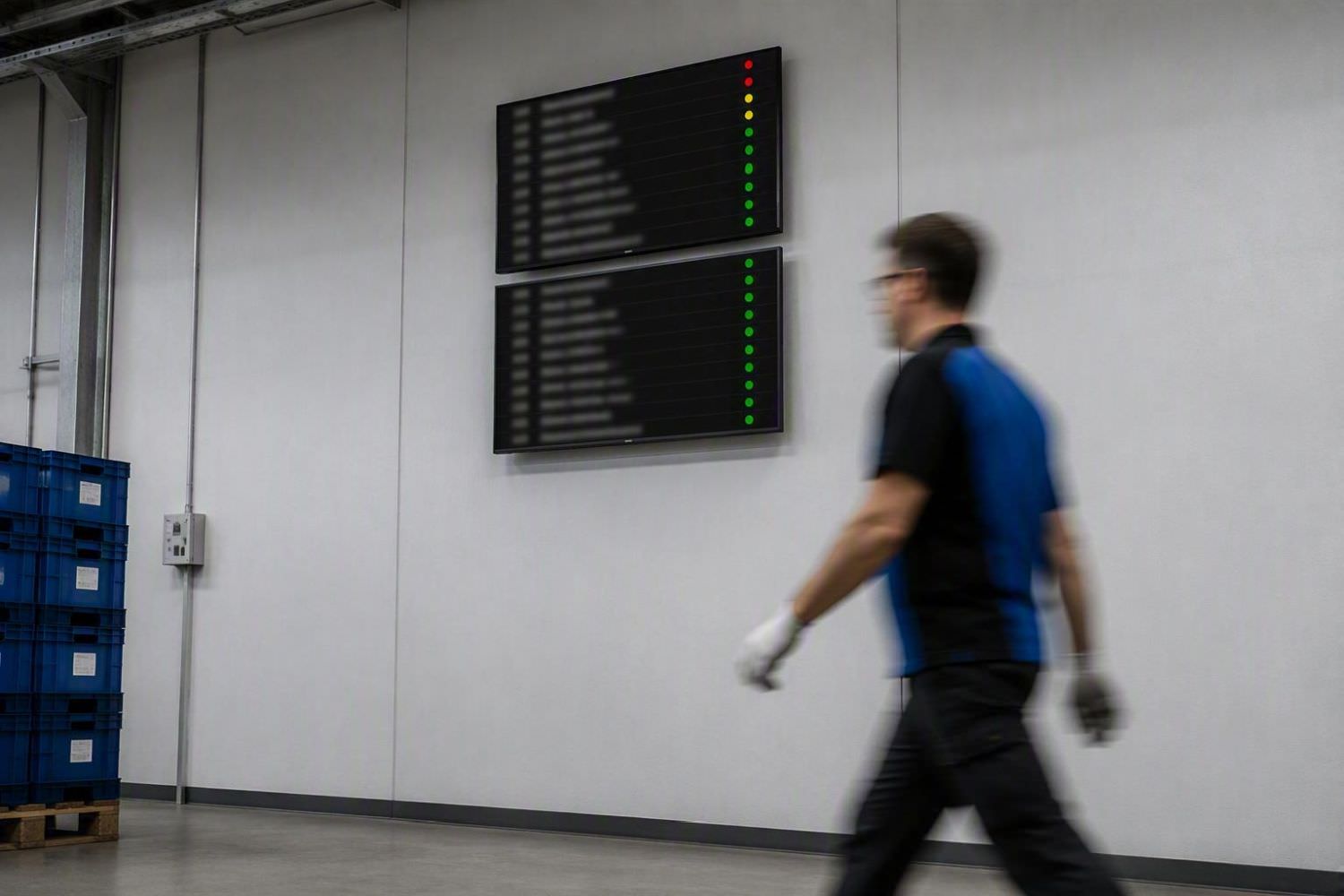
Our customers can immediately see where things become critical: status, quantities, and urgency levels are transparent.
Capture data cleanly
Inspection data is recorded directly at the workstation via DQ Link. Changes to instructions are delivered in real time.
Set clear priorities
The coverage indicator and traffic-light logic prioritize by inventory and production demand.
Demonstrate effectiveness
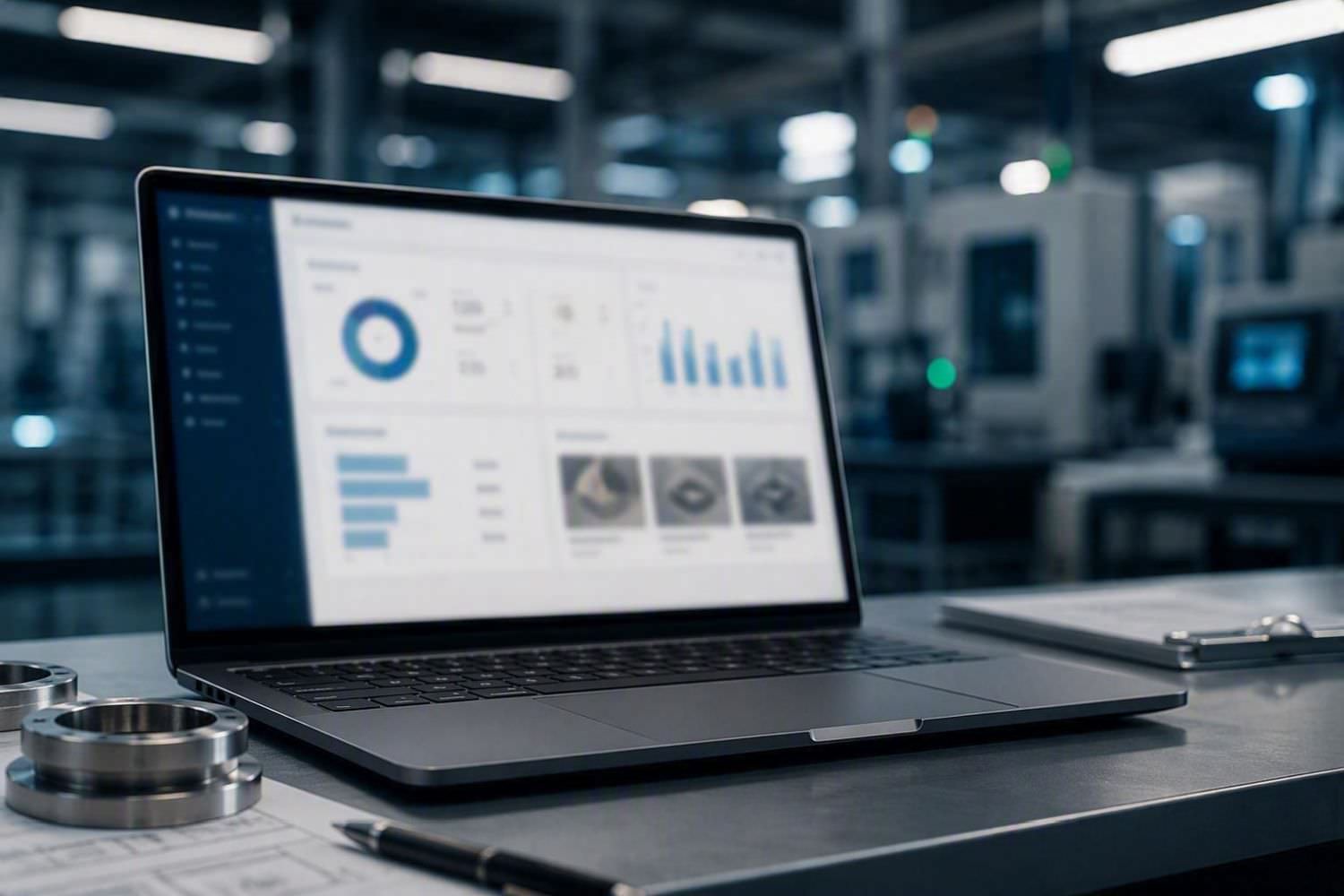
In the DQ Portal, status, inspection results, and analyses can be accessed at any time. Everything is measurable and traceable.


The images on this website were created using artificial intelligence (AI).
Quality assurance 2.0: near real-time, digital, transparent. The DQ System captures inspection data, sets priorities, and provides analyses—for fewer follow-up questions and stable production.
DQ System
The DQ System is the central database for inspection results, times, and costs. It structures orders, creates transparency, and provides robust analyses for fast decision-making.
DQ Link
With DQ Link, our teams capture inspection data directly on a tablet. Work instructions are delivered in real time via text, image, or video and are confirmed as binding via digital signature.
DQ Portal
In the DQ Portal, you can track your orders in near real time. Status, documents, and graphical analyses are available at any time—clear, password-protected, and without email ping-pong.
Coverage indicator
The coverage indicator prioritizes by inventory and production demand. Traffic-light logic makes urgency immediately visible—so it is clear on the shop floor what needs to be handled next.
DQ System – Quality Assurance 2.0 at Deichl
When quality issues arise, it takes more than manpower—it takes transparency, prioritization, and clean documentation. That is exactly why we built the DQ System: as a digital foundation that connects the inspection area, data, and customer portal.
The goal is simple: respond faster, fewer follow-up questions, stable supply to production—and, ultimately, traceable results instead of gut feeling.
What you gain with the DQ System
Real-time transparency
You can see what is happening at any time: current status, progress, results, and documents—without email ping-pong.
Clear priorities instead of chaos
The coverage indicator and traffic-light logic make urgency visible. This enables fast decisions on the shop floor.
Clean data—robust analyses
Results are captured digitally and analyzed in a structured way. This makes it possible to review and refine the effectiveness of containment and corrective actions.
More stable production
With clear prioritization and traceable inspection processes, the line remains supplied—even with high part variety and changing demand.
An overview of the four building blocks
DQ System (Central data and control platform)
The DQ System is the foundation for all quality measures. This is where inspection results, times, costs, and status data come together. Orders are structured, documented, and prepared for analysis—so decisions are based on facts.
DQ Link (Digital data capture at the workstation)
With DQ Link, our teams capture inspection data directly on a tablet. Work instructions can be provided as text, image, or video and adjusted in real time as needed. Implementation is confirmed as binding—so everyone works to the same standard.
Coverage indicator (Prioritization with traffic-light logic)
The coverage indicator prioritizes orders by inventory and production demand. The traffic-light logic (green/yellow/red) shows at a glance where action is required. This reduces coordination loops and increases response speed on the shop floor.
DQ Portal (Transparent order overview)
In the DQ Portal, you can track your orders in near real time. Status, inspection reports, and graphical analyses are available at any time—clear, password-protected, and traceable. This keeps collaboration clear, even when multiple sites or contacts are involved.
How an order runs with the DQ System
1) Start & target definition
We clarify the inspection objective, scope, cadence, and priority—so the line remains reliably supplied.
2) Inspection & data capture
Inspection data is captured digitally at the workstation. Deviations and results are documented immediately.
3) Control & prioritization
The coverage indicator/traffic-light logic makes it clear what must be handled first—without discussions and without loss of time.
4) Analysis & evidence
You receive structured results and graphical analyses in the DQ Portal. Containment and corrective actions become measurable, trends visible, and decisions traceable.
Who this is particularly important for
-
Automotive suppliers with high part variety and changing demand
-
Production environments where time pressure and delivery capability are critical
-
Situations with recurring defect patterns where the effectiveness of measures must be demonstrated
-
Sites that need transparent documentation for internal/external requirements